Editing & Workflow
The Best Photo Editing Software for Beginners in 2026: Start Learning and Improving Your Skills
The Best Photo Editing Software for Beginners in 2026: Start Learning and Improving Your Skills If you're new to photography, finding the right editing softw...
# The Best Photo Editing Software for Beginners in 2026: Start Learning and Improving Your Skills
If you're new to photography, finding the right editing software can feel genuinely overwhelming. Every app promises to be the best, feature lists stretch on for pages, and marketing claims make every platform sound like the obvious choice. The reality is simpler: most beginners don't need the most advanced editor on the market. They need software that's easy to understand, enjoyable to use, and capable of producing noticeably better photos without demanding professional knowledge on day one.
I've been testing photo editing apps for over a decade, and one pattern keeps repeating itself: the software that works best for professionals is rarely the software that works best for beginners. A good beginner editor shouldn't just be "less powerful." It should be designed to help you build confidence, understand your adjustments, and improve your images quickly.
Here are the three best options for 2026.
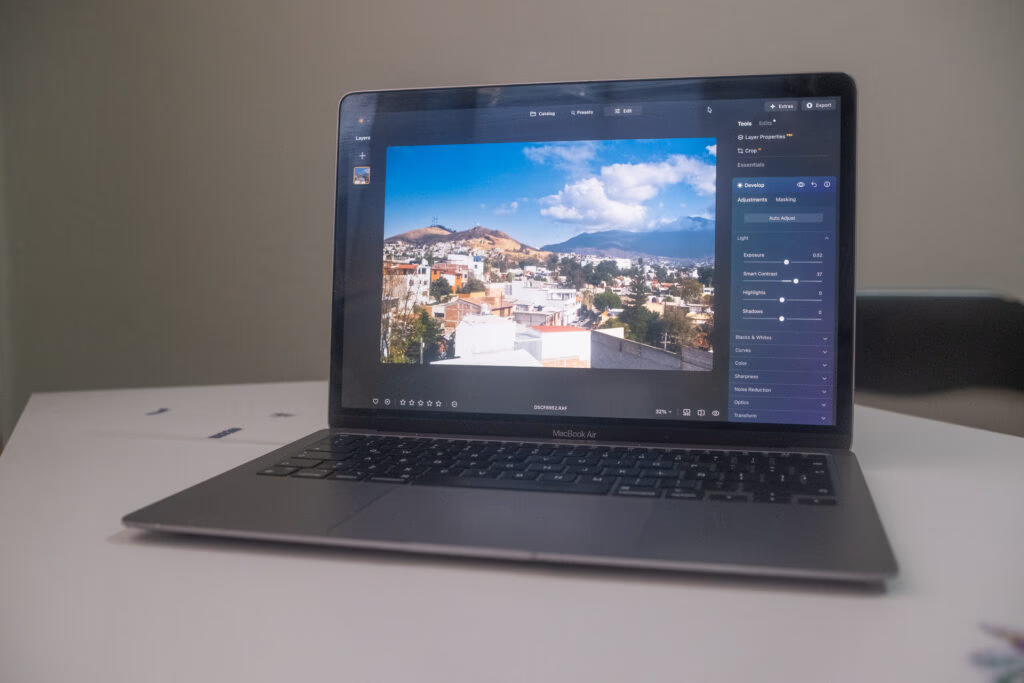
My M1 Macbook Air used for testing — proof that you don't need the latest hardware to edit well.
How These Editors Were Tested
All three programs were tested on a five-year-old MacBook Air (M1). That detail matters because many beginners assume they need a brand-new, high-powered machine before they can start editing properly. That's not true for any of the software in this guide. All three performed well, so you can get started with whatever computer you already own.
The testing focused on what actually matters to a beginner:
- How quickly each app loads JPEG and RAW files
- How intuitive the layout feels on first use
- Whether AI tools genuinely help or just add clutter
- How easily a beginner can understand what each adjustment does
- Whether the software offers room to grow without becoming overwhelming
Best Options at a Glance
| Software | Best For | Ease of Use | Key AI Tools | RAW Support | Pricing |
|---|---|---|---|---|---|
| Luminar Neo | Best overall for beginners | ⭐⭐⭐⭐⭐ | Sky replacement, object removal, AI assistant | Yes | One-time purchase ($119+) |
| Adobe Lightroom CC | Precision editing and presets | ⭐⭐⭐⭐☆ | AI removal, noise reduction, AI bokeh | Yes | Subscription ($11.99/mo) |
| Polarr | Free, basic photo editing | ⭐⭐⭐⭐⭐ | Minimal | No on free plan | Free / Paid upgrade |
Luminar Neo: The Best Overall Choice for Beginners
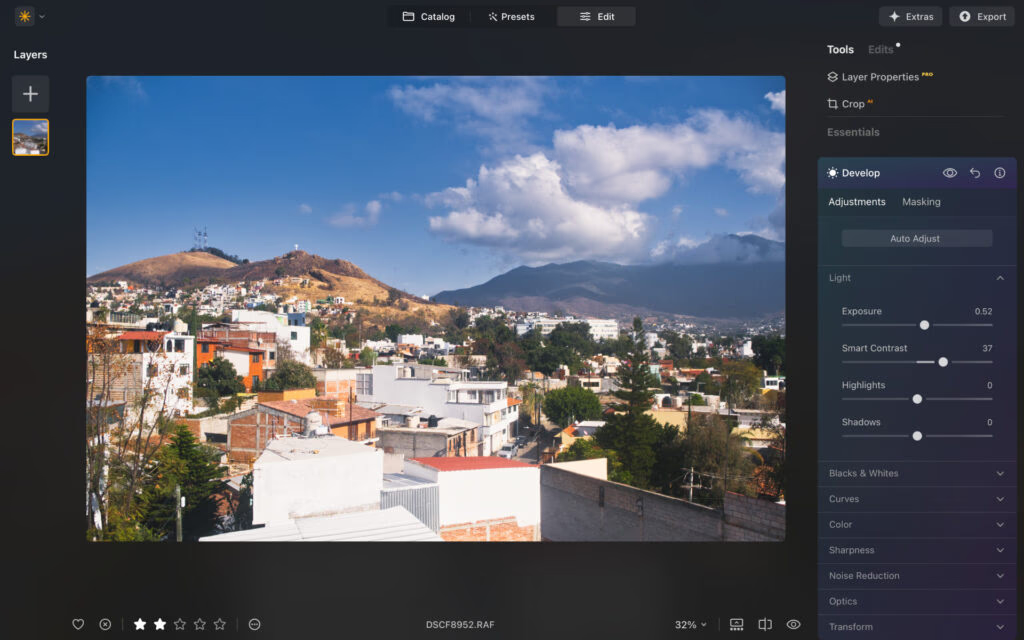
Luminar Neo's clean, welcoming interface.
Luminar Neo strikes the best balance between simplicity and power. It delivers fast, impressive-looking results without overwhelming you with technical complexity — and at the same time, it helps you understand how photo editing actually works.
Auto Enhance: A Strong Starting Point
The Auto Enhance tool uses AI to improve color, contrast, and tonal range with a single slider. This is genuinely useful when you're starting out because beginners often know a photo looks dull but don't yet know whether to fix exposure, contrast, highlights, or color first. Auto Enhance gives you a strong base, and you can fine-tune from there.

Unedited RAW file — flat and lacking contrast straight out of camera.
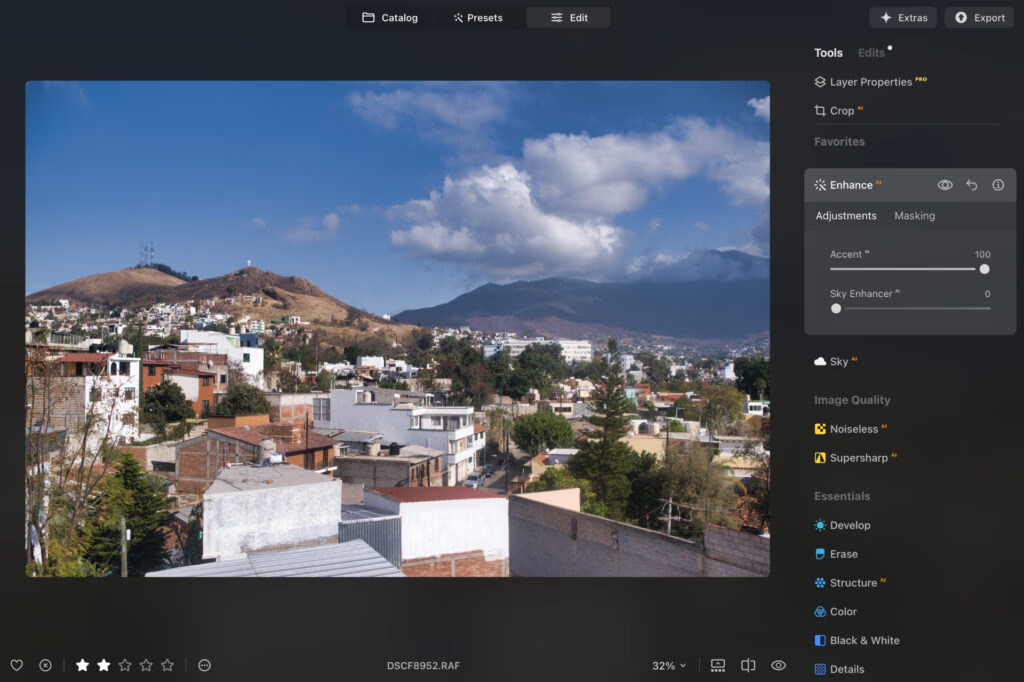
The same image after using the AI Enhance slider. Balanced, vibrant, and natural.
Where Luminar Neo Pulls Ahead
This is where the software really shines for new editors. You can replace skies in seconds, remove distractions with a click, improve sharpness without masking, and use the AI Assistant to describe how you want an image to look and let the software apply the edits. Advanced techniques that would normally require layers, masks, and experience become accessible much earlier in your learning journey.
Built-In Guidance
Every tool has an information icon next to it. Hovering over it explains what the tool does and how to use it — in context, while you edit. Most beginners don't want to stop every five minutes to search for a tutorial, and this kind of in-app teaching is one of the most underrated features in any beginner software.
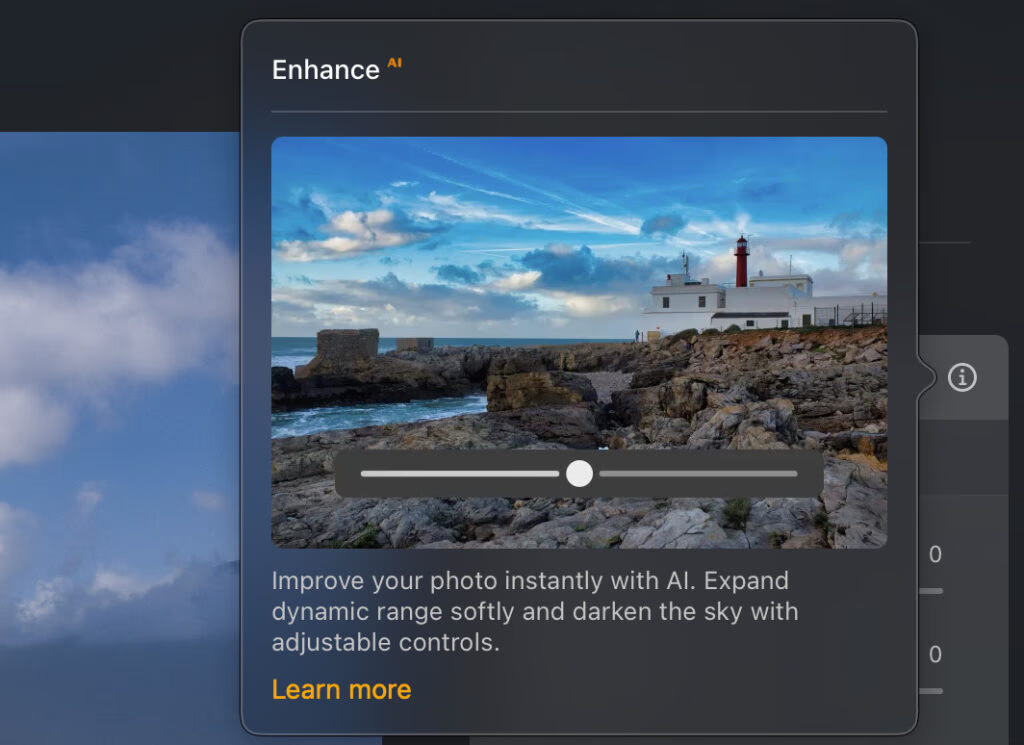
In-app guidance appears right where you need it — no need to leave the editor.
Performance and Feel
Edits happen in real time, performance is snappy even on older hardware, and the multicolored tool categories make finding specific adjustments noticeably faster. The software feels modern, responsive, and encouraging — and that emotional side of editing matters more than people realize when you're trying to build a new skill.
Pricing
Luminar Neo uses a one-time purchase model:
- Desktop License – $119 (macOS and Windows)
- Cross-Device License – $159 (desktop plus mobile apps)
- Max License – $179 (adds extra presets and tools)
A perpetual license removes the pressure of ongoing monthly payments, which is especially appealing when you're still exploring photography and editing.
Best for: Beginners who want an enjoyable, guided experience with room to grow — without committing to a subscription.
Adobe Lightroom CC: Best for Precision and Presets
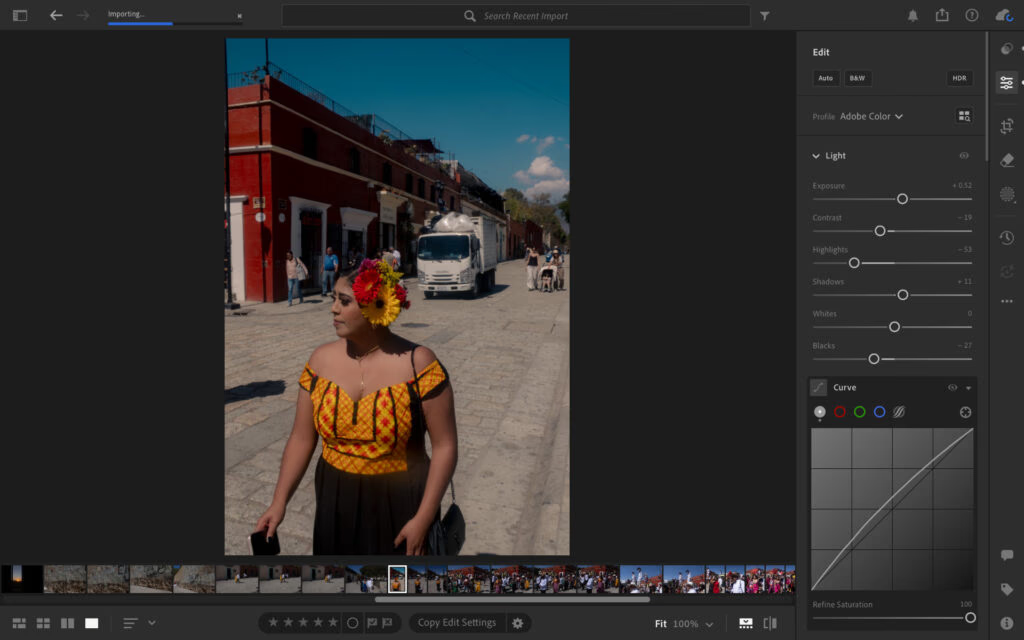
Adobe Lightroom doesn't offer the widest range of AI tools, but the ones it includes are genuinely among the best available. If you want professional-looking results without mastering every technical detail immediately, it's a strong contender.
AI Removal That Actually Works
The AI removal tool is impressively accurate, even around complex edges. Removing distractions — people in the background, unwanted objects, litter on the ground — is one of the fastest ways to improve a photo, especially in travel, street, and casual portrait work.

Before using AI removal tools.

Lightroom AI detected the people and removed them in one click. The brush tool handled the truck in seconds.
What Sets Lightroom Apart
Lightroom's strength is precision. When you adjust color, exposure, clarity, or contrast, the changes feel controlled and natural rather than processed. Noise reduction is especially strong — it removes grain while keeping images realistic, which matters when you're shooting in low light or trying to recover a slightly rough file.

Adding lens blur (AI bokeh) made the subject pop without looking artificial.
The Preset Ecosystem
Lightroom's preset library is one of its biggest advantages. You can start with a well-chosen preset, fine-tune exposure and white balance, and save your own presets as your style develops. That consistency becomes more valuable the more you edit.
The Subscription Concern
Lightroom requires a subscription: $11.99/month with an annual commitment, or $17.99 month-to-month. For beginners, the long-term math matters. Over multiple years, the total cost becomes significantly higher than a one-time purchase alternative.
Important for beginners: Choose Lightroom CC, not Lightroom Classic. CC is more streamlined and designed for everyday photographers. Classic is built for a traditional professional desktop workflow.
Best for: Beginners who value precision, natural-looking results, and a mature preset ecosystem — and don't mind subscription pricing.
Polarr: Best Free Option for Absolute Beginners
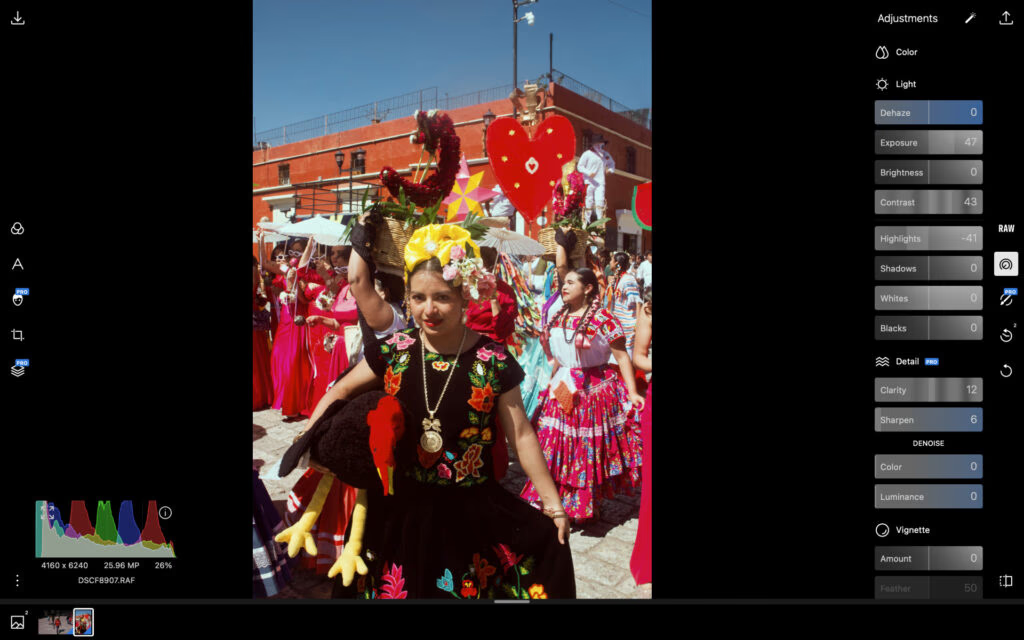
Polarr is about as simple as photo editing gets. It covers the essentials — exposure, contrast, saturation, highlights, and shadows — which is enough to understand how editing works at a foundational level.
Why Polarr Works as a Starting Point
When you're completely new, it helps to work in a stripped-back environment where the basics are easy to grasp. Load a JPEG, brighten it slightly, recover shadows, lower harsh highlights, add a touch of saturation — that simple process teaches several core editing principles without requiring any advanced knowledge.
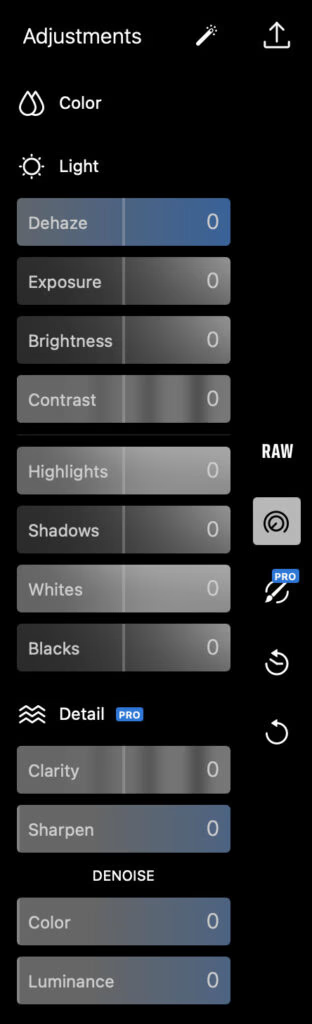
The adjustments panel is basic and intuitive — you'll grasp it in minutes.
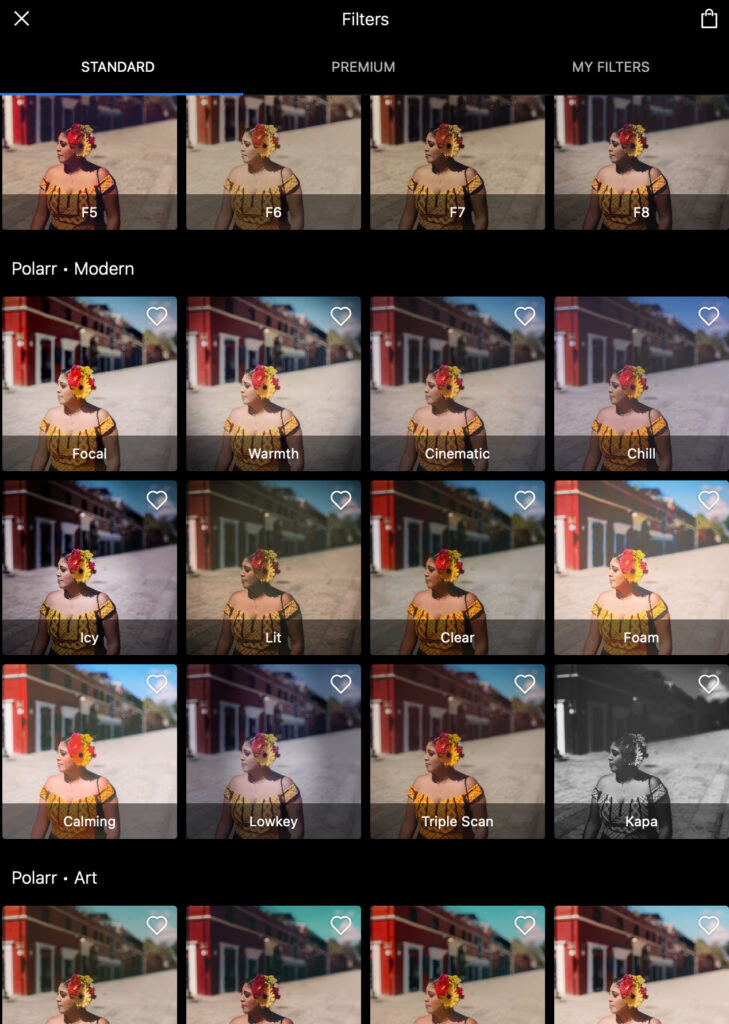
Polarr offers a decent selection of free and paid presets for experimentation.
The Limitations
The free version only supports JPEG files. Once you start shooting RAW — which gives you far more flexibility for recovering highlights, lifting shadows, and correcting color — you'll outgrow Polarr quickly. You also can't create your own presets, which limits your ability to build a consistent personal style over time.
Polarr's paid plan ($7.99/month or $47.99/year) unlocks RAW editing and additional tools. But at that price, most beginners will be better served stepping up to a more capable editor.
Best for: Beginners who want a free, low-pressure way to learn the fundamentals before investing in something more powerful.
Practical Tips for Beginners
- Always shoot RAW+JPEG when your camera allows it. Edit the JPEGs while you're learning, and return to the RAW files later when you understand what you're doing.
- Start every edit session by cropping and straightening. A well-composed image needs far less correction downstream.
- Use the before/after toggle constantly. It's the fastest way to develop your eye for what actually improves an image.
- Don't edit at full intensity. If a slider looks good at 100, try 70 — subtle edits almost always look more professional than dramatic ones.
- Calibrate your monitor brightness. Editing on a screen that's too bright or too dim will throw off your exposure decisions every time.
Which One Should You Choose?
Choose Luminar Neo if you want the most beginner-friendly overall experience, helpful AI tools, a one-time purchase, and software you can grow into.
Choose Lightroom CC if you value precision, natural-looking results, a mature preset ecosystem, and don't mind paying a subscription.
Choose Polarr if you want to start for free, learn the fundamentals without pressure, and decide later whether to invest in something more powerful.
All three options have either a free trial, free version, or money-back guarantee — so the best move is to try the one that fits your situation and see how it feels in your own workflow.
Frequently Asked Questions
What is the best photo editing software for complete beginners in 2026? For most beginners, Luminar Neo is the best overall choice. It combines a simple interface, in-app guidance, genuinely useful AI tools, and a one-time purchase model. It's especially strong for people who want quick, encouraging results without feeling lost.
Is Adobe Lightroom too complicated for beginners? Lightroom CC is very approachable. It presents tools in a structured way without dumping every advanced option on you at once. The bigger consideration is price — the subscription model means recurring costs that add up over time.
Can I learn photo editing with free software? Yes. Polarr covers the fundamentals well and is completely free for JPEG editing. The main limitation is the lack of RAW support, which becomes important once you start shooting more seriously.
Should I shoot in RAW or JPEG as a beginner? Shoot both if your camera allows it. Edit JPEGs while you're learning the basics, and save the RAW files for later when you understand exposure, color, and contrast well enough to take advantage of the extra data.
Are AI editing tools a crutch that stops me from learning? Not when used thoughtfully. Good AI tools reduce early frustration, show you what a stronger edit looks like, and let you focus on learning one adjustment at a time rather than getting overwhelmed. The best approach is to use AI as a starting point, then make your own refinements.